Optimizing Overlay Performance for Smooth Streams
· Advanced Techniques
Heavy overlays can tank your stream quality. Learn how to create visually impressive overlays that run efficiently without impacting your frame rate or encoding.
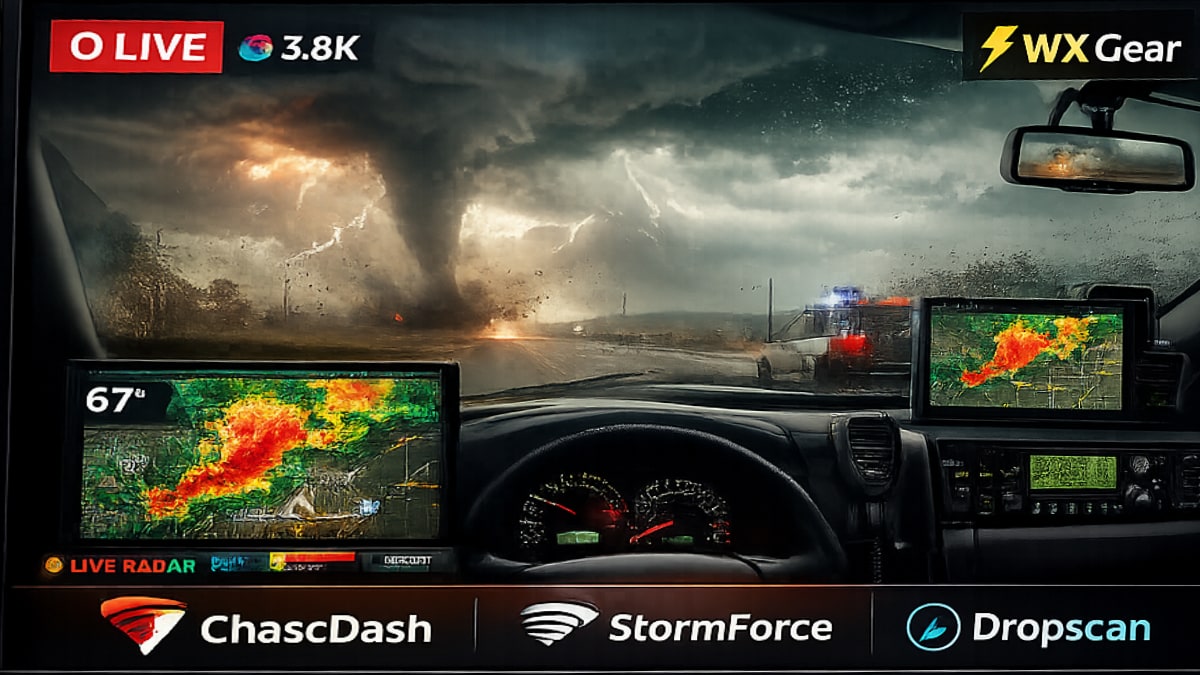
Overlay performance is an often-overlooked factor that can significantly impact your stream quality. Every browser source, animated element, and graphical overlay consumes CPU and GPU resources that compete with your game, streaming software, and encoding process. Understanding and optimizing overlay performance ensures your stream looks professional without sacrificing smoothness.
Start by auditing your current overlay setup. Open your streaming software's performance metrics and note your CPU and GPU usage before and after enabling each overlay element. This baseline measurement reveals which overlays are resource-hungry and which are lightweight. Browser sources are typically the most resource-intensive, especially those running JavaScript animations or frequently updating data.
Optimize images used in your overlays by ensuring they are the correct resolution and properly compressed. A 4000 by 4000 pixel sponsor logo displayed in a 200 by 200 pixel space wastes enormous resources on downscaling. Resize images to their display dimensions before adding them to your overlay, and use efficient formats like WebP where supported. This simple step can dramatically reduce GPU memory usage.
Minimize the number of active browser sources by consolidating multiple widgets into single pages where possible. Each browser source runs its own instance of a web browser engine, which consumes significant memory and CPU. If you have five separate widget browser sources, combining them into a single page with multiple sections reduces overhead substantially. StreamSponsor.app is designed with performance in mind, combining sponsor rotation logic into a single efficient overlay source.
Set appropriate refresh intervals for data-driven overlays. Widgets that poll APIs every second for updated information create unnecessary network traffic and processing load. Most data, like follower counts or donation totals, can update every 15 to 30 seconds without viewers noticing any delay. Configure longer polling intervals for non-critical data and reserve real-time updates only for elements that truly need them, like live chat displays and event alerts.
Tags: performance optimization, overlays, frame rate, CPU usage, browser source, efficiency, encoding
Ready to monetize your stream?
StreamSponsor makes it easy to display sponsor logos, banner bars, and overlays on your live stream. Try it free today.